
Tracking number
GoFo Tracking Not Working? Why It Stops Updating and How to Fix It
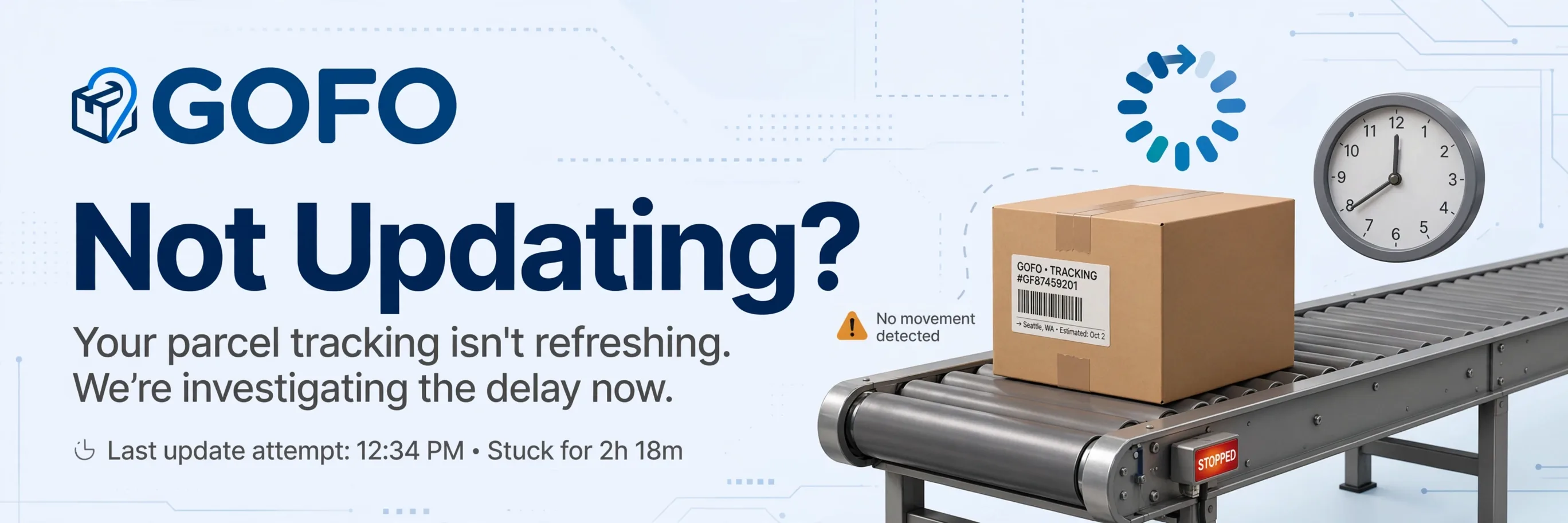
Your GoFo Express tracking has not changed in days, and you are starting to worry. Before you assume the worst, understand that most GoFo tracking pauses are temporary and resolve without any action on your part. GoFo processes scan updates in batches rather than in real time, so gaps between status changes are built into the system.
This guide covers every reason GoFo tracking stops updating, how to tell the difference between a normal delay and a real problem, and exactly what to do at each stage.
Quick Fix Checklist
Before investigating further, run through these five checks. They solve the problem more often than you would expect:
- Re-copy the tracking number from your shipping confirmation email. Do not retype it manually. A single wrong character returns no results or the wrong shipment.
- Remove extra spaces before or after the number. Some email clients add invisible spaces when you copy text.
- Confirm it is a carrier tracking number, not an order ID. Retailers often display both, and an internal order number will not return any results on GoFo's tracking page.
- Try the official GoFo portal at gofo.com/us/track. Third-party tracking platforms pull data from GoFo's system and can lag behind the official source.
- Clear your browser cache or try a different browser. Cached pages can show outdated tracking results.
If these steps do not resolve the issue, the problem is with the shipment status itself, not the tracking tool. Read on for specific scenarios.
Why GoFo Tracking Stops Updating - 8 Common Reasons
1. Batch Scan Processing
GoFo does not update tracking in real time. Scans at hubs and delivery stations are processed in batches, which means a package can move physically without the tracking page reflecting that movement for several hours or even a full day. This is normal and affects every GoFo shipment.
What to do: Wait 24 hours. If the status still has not changed, check again the next business day.
2. In Transit Between Facilities
When a package is on a truck moving between a regional hub and a delivery station (or between two hubs), there is no scanning infrastructure along the route. The tracking page shows the last scanned location until the package arrives at the next facility and gets scanned again.
What to do: Nothing. Updates resume when the package reaches the next scan point, typically within 1 to 3 days for domestic shipments.
3. Weekend and Holiday Slowdowns
GoFo's sorting and scanning operations slow significantly on weekends and public holidays. A package that shows its last scan on a Friday afternoon will often not show new activity until Monday.
What to do: Wait until the next business day. Monday usually brings a burst of new scan events.
4. Label Created but Not Yet Picked Up
If your tracking is stuck on "Shipment Created" or "Label Created" and has not moved past that status, the retailer has generated a shipping label but GoFo has not physically received the package yet. This can stay unchanged for 1 to 3 days.
What to do: Wait 3 business days. If the status has not progressed beyond "Label Created" after 3 days, contact the retailer (not GoFo) to confirm the package has actually been shipped.
5. Customs Clearance (International and CBT Shipments)
Cross-border trade (CBT) shipments and international packages must clear customs before entering GoFo's domestic delivery network. During customs processing, tracking can show no updates for 1 to 7 days. Parcels from countries outside the European Union arriving in France, the Netherlands, or Italy can experience the same pause.
What to do: Wait up to 7 days for customs-related pauses. This delay is outside GoFo's control and is standard for every carrier handling international parcels.
6. Carrier Handoff
In some cases, GoFo hands a package to a local postal service or partner carrier for the final delivery leg, particularly in areas outside GoFo's direct coverage. When this happens, GoFo tracking stops updating because the package has left GoFo's scanning network.
What to do: Check your email for a new tracking number from the local carrier. If you do not receive one, contact the retailer and ask which carrier is handling the final delivery.
7. Peak Season Volume
During major shopping events (Black Friday, Cyber Monday, holiday season), GoFo's distribution facilities and regional hubs process significantly higher volumes. This can delay scan processing by 1 to 2 extra days compared to normal periods.
What to do: Add 2 to 3 extra buffer days to your expected delivery timeline during peak seasons.
8. System or Technical Glitch
Occasionally, GoFo's tracking system itself experiences technical issues that delay scan data from reaching the tracking page. The package continues moving physically, but the digital record lags behind.
What to do: Try checking the tracking on a different platform (17TRACK, AfterShip, ParcelsApp). If one platform shows updated data that the GoFo portal does not, it is a sync delay that will resolve itself.
How Long Should You Wait Before Taking Action?
Different situations call for different waiting periods:
| Scenario | Normal Wait Time | When to Act |
|---|---|---|
| Tracking stuck on "Label Created" | 1 to 3 days | After 3 business days, contact the retailer |
| No update after last hub scan (domestic) | 1 to 3 days | After 5 business days with no movement |
| No update after last hub scan (international/CBT) | 3 to 7 days | After 14 days with no movement |
| "Out for Delivery" but no delivery | Same day | After 24 hours, check delivery photo; after 48 hours, contact retailer |
| Tracking number returns no results at all | 24 to 48 hours | After 48 hours, confirm with retailer it is a carrier tracking number |
| Delivery Exception status with no follow-up | 1 to 2 days | After 3 days in exception status, contact retailer |
What "No Results Found" Actually Means
If your tracking number returns zero results on GoFo's portal, it does not automatically mean the package is lost or fake. The most common causes are:
- Wrong number type. You entered an order ID or internal reference instead of the carrier tracking number. Ask the seller to confirm the GoFo tracking number.
- Label just created. Tracking data can take 24 to 48 hours to appear in the system after a label is generated.
- Typo in the number. GoFo tracking numbers are long alphanumeric strings (typically 14 to 18 characters). Copy and paste from the source rather than typing.
- Different carrier. Some retailers switch carriers mid-shipment. Your package may have been handed off to USPS, FedEx, or another carrier. Check with the retailer.
- Genuinely fake tracking number. Scam sellers sometimes generate fake tracking numbers to show a "shipped" status. These numbers never populate any scan data, even after weeks. If your number shows no results after 7 days and the seller is unresponsive, dispute the transaction through your payment method.
Step-by-Step - What to Do When GoFo Tracking Is Stuck
Step 1: Verify the tracking number. Copy it directly from the shipping confirmation. Remove spaces. Confirm it is a carrier tracking number.
Step 2: Check GoFo's official portal. Enter the number at gofo.com/us/track. Compare results with a third-party platform like 17TRACK.
Step 3: Assess the last status. Use the table above to determine whether your wait time is still within normal range for your shipment type (domestic, international, or CBT).
Step 4: Contact the retailer. If the wait exceeds the thresholds in the table, contact the retailer's customer service. Provide your tracking number, order number, and delivery address. The retailer can open an investigation with GoFo directly and offer a refund or replacement faster than GoFo's own consumer support.
Step 5: Contact GoFo directly (if needed). For urgent cases or when the retailer is unresponsive:
| Channel | Details | Hours |
|---|---|---|
| Phone | +1 (949) 688-6032 | Mon-Fri 9AM-9PM EST, Sat-Sun 11AM-8PM EST |
| cs@mail.gofo.com | Business hours | |
| +1 (787) 605-8633 | Mon-Fri 9AM-9PM EST, Sat-Sun 11AM-8PM EST |
Step 6: Dispute the transaction. If both the retailer and GoFo are unresponsive after a reasonable period (typically 30 days), file a dispute through your credit card company or payment platform.
Tracking Stuck on Specific Statuses
"Arrived at GoFo Distribution Facility" for days: The package is at a distribution facility being processed. During normal volume, this takes 1 to 2 days. During peak season, it can stretch to 3 to 5 days.
"Arrived at GoFo Regional Hub" with no departure scan: The package is at a sorting hub waiting for the next outbound dispatch to your local delivery station. This typically resolves within 1 to 2 business days.
"Out for Delivery" since yesterday but still not delivered: The driver may not have completed the route, or the "Out for Delivery" scan was premature. Wait one more business day. If still not delivered, check for a delivery photo on the GoFo tracking page and contact the retailer.
"Delivery Exception" with no follow-up scan: An exception means something interrupted delivery (address issue, access problem, weather). GoFo typically reattempts delivery the next business day. If the exception status persists for more than 3 days, contact the retailer.
GoFo Tracking Not Working on Third-Party Platforms
If GoFo's official portal shows updated tracking but a third-party platform (17TRACK, AfterShip, ParcelsApp) does not, the issue is a sync delay between GoFo's system and the third-party platform's data pull. This is common and usually resolves within a few hours.
If neither GoFo's portal nor any third-party platform shows results, the issue is with the tracking number itself (see "No Results Found" section above).
Frequently Asked Questions
Why is my GoFo tracking not updating?
Most tracking pauses are caused by batch scan processing, the package being in transit between scan points, weekend slowdowns, or customs clearance for international shipments. These are normal and usually resolve within 1 to 3 business days for domestic and up to 7 days for international shipments.
Is GoFo tracking accurate?
Yes. GoFo tracking reflects real scan data from facilities, hubs, and delivery stations. However, updates are batch-processed rather than real-time, so the tracking page may lag behind the package's actual physical location by several hours.
What does it mean when GoFo tracking says "no information available"?
Either the tracking number is incorrect, it is an order ID rather than a carrier tracking number, the label was just created and scan data has not appeared yet, or the package was transferred to a different carrier.
How long should I wait before worrying about GoFo tracking not updating?
For domestic shipments: 5 business days with no scan updates. For international/CBT shipments: 14 days. For "Label Created" stuck status: 3 business days.
Who should I contact if GoFo tracking is not working?
Contact the retailer first. The retailer can open an investigation with GoFo and process a refund or replacement. If the retailer is unresponsive, contact GoFo directly at +1 (949) 688-6032 or cs@mail.gofo.com.
Can GoFo tracking stop because the package was transferred to another carrier?
Yes. If GoFo hands the package to a local postal service or partner carrier for final delivery, GoFo tracking stops updating. Check your email for a new tracking number from the local carrier.
Is "GoFo Express tracking scam" a real concern?
GoFo Express is a legitimate carrier, not a scam. However, scam sellers can misuse any carrier's tracking system by generating labels without actually shipping packages. If a tracking number shows no scan data after 7+ days, the issue is with the seller, not GoFo's tracking system.